How Long Does It Take to Make a Rap Beat? Real Session Plan
A rap beat can take twenty minutes or several days. Use this stage-by-stage session plan to finish faster without confusing speed with completion.
One producer posts a clip made in twelve minutes. Another spends three evenings on a loop and still calls it unfinished. Both can be telling the truth, because “make a beat” can mean four different finish lines: find a loop, build an arrangement, make it ready for a rapper, or mix a record for release.
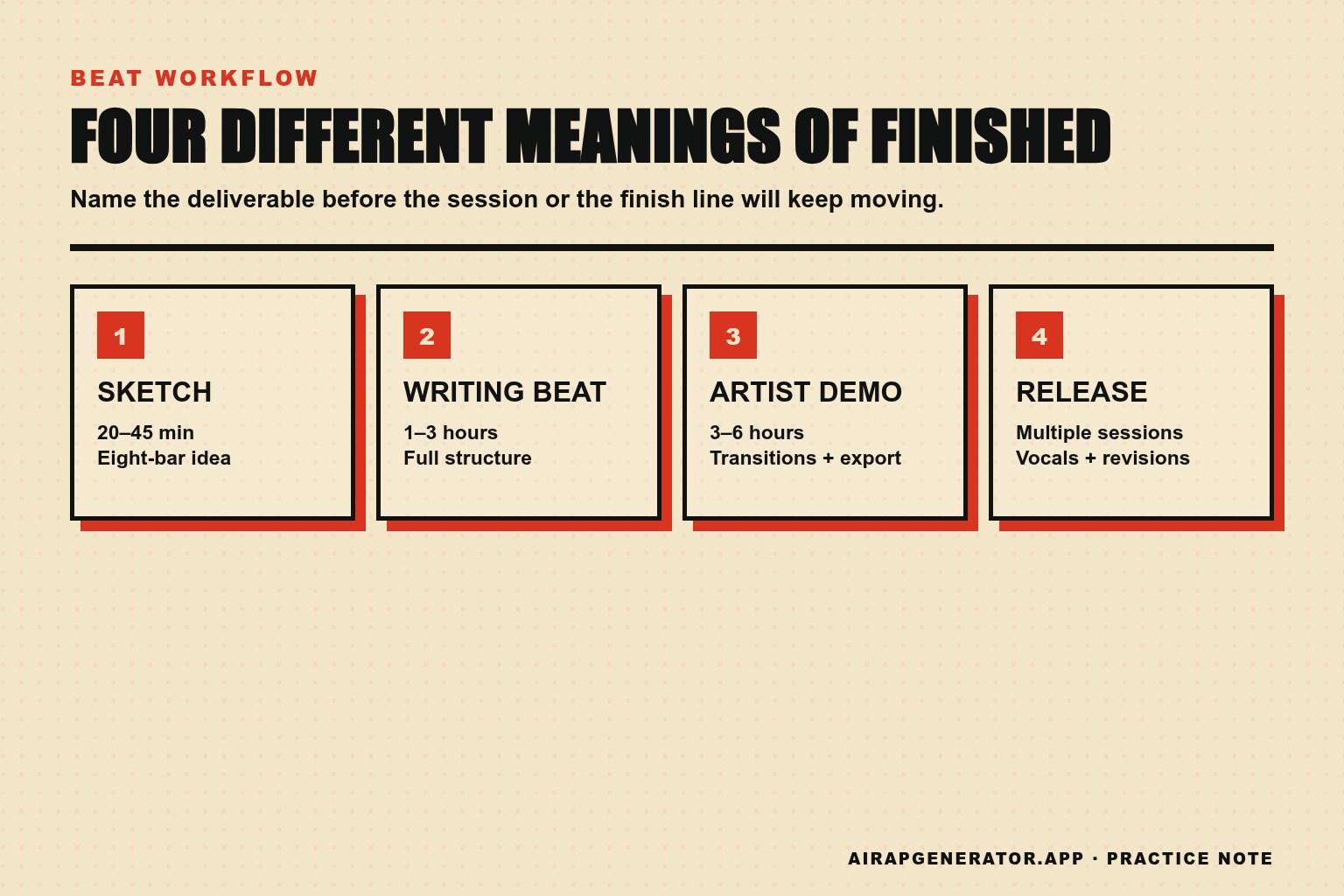
The useful answer to how long to make a rap beat is therefore a range tied to a deliverable. A rough eight-bar idea may take twenty to forty-five minutes. A beat arranged and clean enough to write over commonly takes one to three focused hours. A release-ready production can take several sessions because feedback, vocal space, revisions, and final delivery are separate jobs.
This guide gives each job a clock. The clock is not there to rush taste. It stops one decision from swallowing the entire session.
1. Decide what “finished” means before opening the DAW
If the finish line moves, the beat takes forever. Write one of these four labels at the top of the session:
| Finish line | What must exist | Practical focused-time range |
|---|---|---|
| Sketch | Drums, one musical idea, eight-bar loop | 20–45 minutes |
| Writing beat | Full structure, clear sections, rough balance | 1–3 hours |
| Artist-ready demo | Arrangement, transitions, headroom, exported WAV | 3–6 hours |
| Release production | Vocal-aware edits, detailed mix, revisions, masters | Multiple sessions |
These are working ranges, not industry rules. Sample choice, experience, live instruments, and revision habits can move them dramatically. The important distinction is that a sketch is allowed to contain unanswered questions. An artist-ready demo is not.
For a seven-day challenge, choose “writing beat.” It is complete enough for a rapper to write and record against, but small enough to finish in one sitting.
2. Give sound selection twenty minutes
Sound selection is where a fast session quietly becomes a three-hour audition. The trap is not that listening is useless; it is that every new sound changes the imagined destination, so no choice ever feels final.
Set a twenty-minute limit and choose only this:
- one drum family or kit;
- one main musical voice;
- one bass source;
- one texture or accent.
You can replace a sound later if it fails in context. You cannot evaluate context until something is playing together.
Use a “good enough to arrange” test
A sound passes when it does three things:
- It supports the mood in one listen.
- It leaves a different frequency area for the vocal.
- It does not require repair before you can hear the groove.
That third point matters. A strange sample may become brilliant after an hour of editing, but it is not a safe starting point for a timed beat. Save it into a separate ideas folder and move on.
3. Build the drum relationship, not a full pattern
Start with kick and snare. The hi-hats are tempting because they create instant motion, but a busy hat pattern can disguise a weak relationship underneath.
Make a four-bar loop with a dependable backbeat, then place three or four kicks that create an answer. Listen at low volume. If the head movement disappears when the hat is muted, the foundation still needs work.
An original verbal map can help:
Bar 1: kick — space — snare — late kick
Bar 2: space — kick — snare — space
This is not notation and should not become a rule. It simply forces you to describe the relationship instead of adding notes until the grid looks active.
After the kick and snare work, give hats ten minutes. Make one base pattern and one variation. The variation belongs at the end of every fourth or eighth bar; if it happens constantly, it stops being a variation.
4. Make one musical idea carry three states
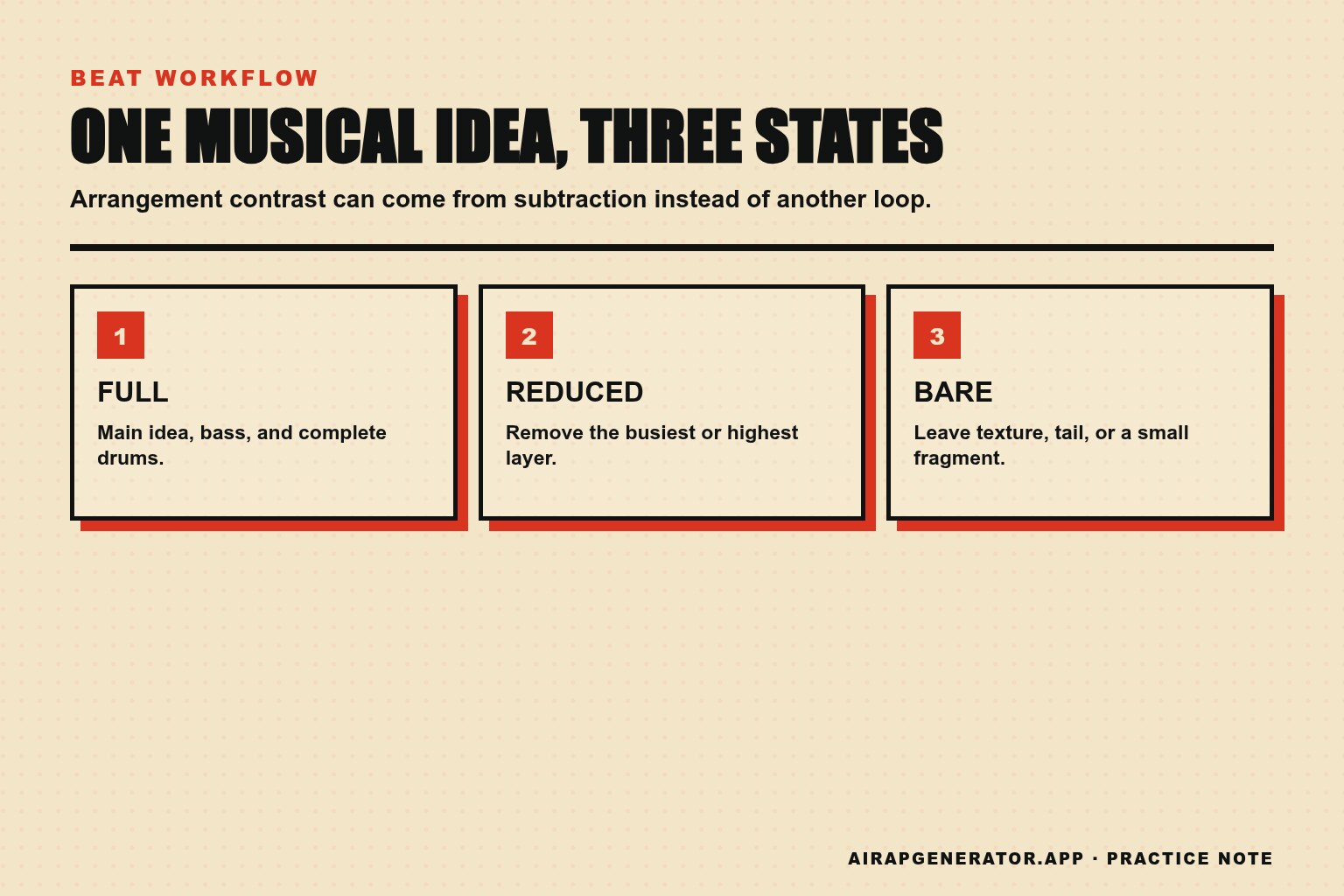
A finished arrangement does not require six unrelated melodies. It needs contrast the listener can recognize. Take one musical idea and create three states:
- Full: the complete phrase with bass and drums.
- Reduced: remove the highest or busiest layer.
- Bare: texture, tail, or a fragment of the phrase.
Now you already have material for a hook, a verse, and an intro or break. This is faster and usually more coherent than searching for a second loop that happens to match the first.
The subtraction test
Duplicate the loop and mute one element at a time. If removing a sound creates no emotional or rhythmic change, that sound is decoration. Decorations are allowed, but do not let them delay the arrangement.
If removing everything but drums and bass makes the beat collapse, the low-end relationship may not be carrying enough identity. If the loop still feels complete with half the parts muted, keep the reduced version for a verse.
5. Arrange before polishing the loop
An eight-bar loop can feel finished because every second is familiar. A rapper experiences it differently: as two or three minutes that need entrances, changes, and places to breathe.
By minute sixty, copy the loop across a full timeline. Use a deliberately plain map first:
| Section | Bars | State | Main change |
|---|---|---|---|
| Intro | 4 | Bare | No full drums |
| Verse 1 | 16 | Reduced | Bass enters after bar 4 |
| Hook | 8 | Full | Main layer and wider drums |
| Verse 2 | 16 | Reduced | New hat variation |
| Hook | 8 | Full | Short stop before final line |
| Outro | 4 | Bare | Let the main sound decay |
The map totals fifty-six bars. At 90 BPM, it runs about two minutes and twenty-nine seconds because each four-beat bar lasts roughly 2.67 seconds. At a 140 BPM project felt in half-time, the grid moves faster but the vocal phrasing may still behave like a slower song.
Do not polish transitions yet. First press play at the beginning and listen without touching the mouse. If you become bored before the second hook, mark the exact bar. That mark is better evidence than the feeling that the whole beat “needs more.”
6. Reserve thirty minutes for transitions and rapper space
Transitions tell the performer where a section changed without requiring them to watch the screen. Use a small vocabulary:
- remove the kick for half a bar;
- reverse the tail of the main sound;
- mute everything for one beat;
- add one fill before the hook;
- filter the intro, then open it at the verse.
One transition per boundary is enough. Stacking a riser, fill, reverse, crash, and vocal tag at every change makes the arrangement announce itself louder than the song.
Rapper space is equally practical. Play a scratch vocal, speak nonsense, or read four lines over the verse. Listen for collisions. A bright lead centered in the same range as the voice may sound impressive alone and exhausting under lyrics.
Do not solve every collision with an equalizer. First try muting the layer during the verse, lowering it, or moving its rhythm. Arrangement is the cheapest mix tool.
7. Do a fifteen-minute balance pass
The timed balance pass is not a final mix. Its job is to make the exported beat usable and prevent obvious distractions.
Use this order:
- Pull every channel down.
- Bring up the main musical idea to a comfortable level.
- Add the snare, then kick, then bass.
- Add hats and supporting parts last.
- Compare the hook and verse at the same monitor volume.
- Check that the master is not clipping.
Avoid soloing for most decisions. A kick can sound beautiful alone and wrong against the bass. A texture can sound ugly alone and perfect behind the main loop. The beat is the relationship.
Three exports prevent tomorrow's confusion
Export:
- a tagged MP3 for quick listening;
- a full-quality WAV for writing or sharing;
- a second WAV with a count-in or clear intro if the first downbeat is ambiguous.
Name the files with the beat name, BPM, key if known, and version. “final2_new.wav” guarantees wasted time later.
8. Use checkpoints instead of one giant deadline
A two-hour session works better when each checkpoint produces something audible.
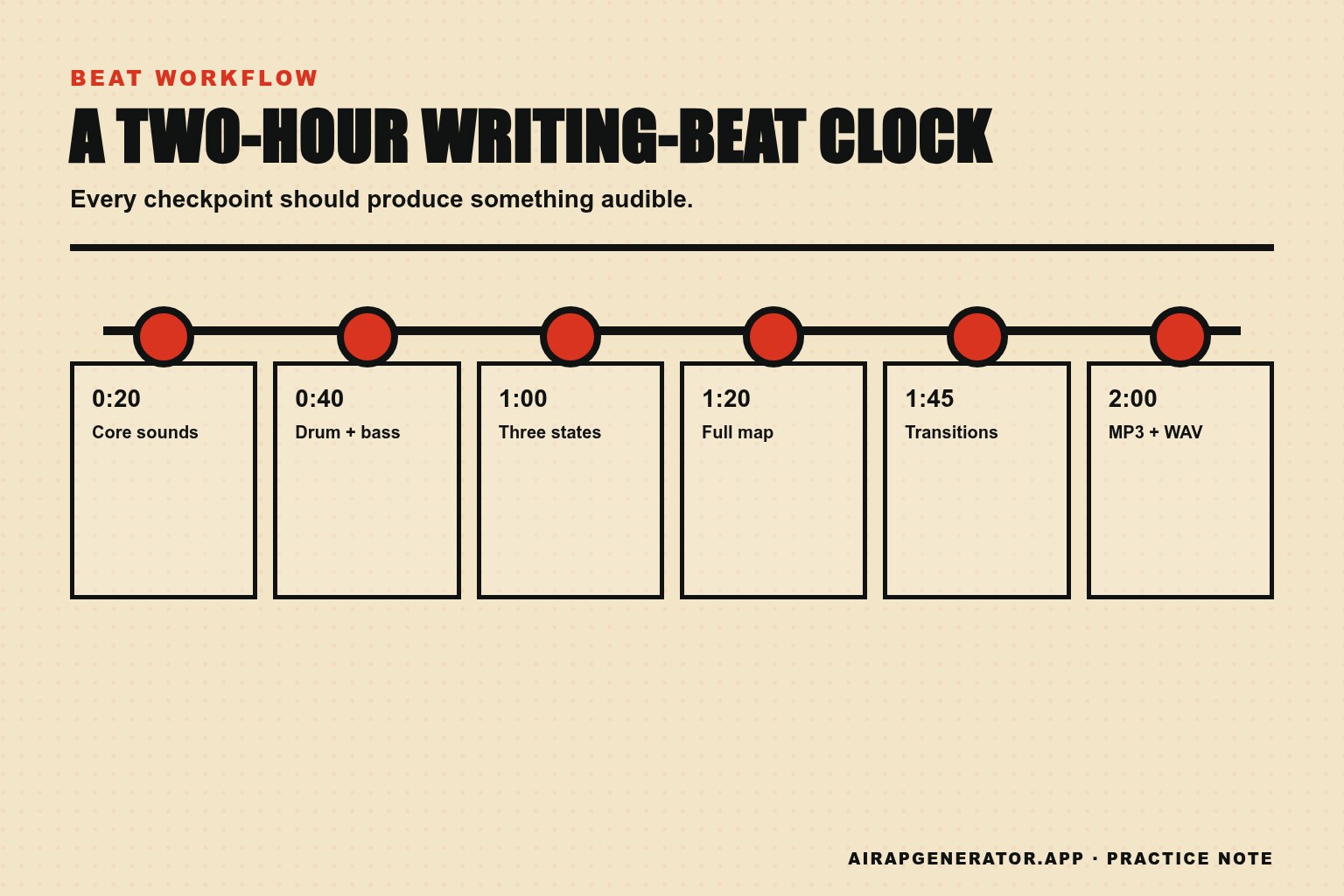
| Time | Checkpoint | If you are behind |
|---|---|---|
| 0:20 | Four core sounds selected | Stop browsing and use the best current option |
| 0:40 | Kick, snare, bass relationship works | Mute decorative percussion |
| 1:00 | Full, reduced, and bare loop states exist | Create contrast by subtraction |
| 1:20 | Full song map is on the timeline | Use the plain 4/16/8/16/8/4 map |
| 1:45 | Section boundaries are audible | Add only stops or mutes |
| 2:00 | MP3 and WAV exported | Write revision notes; do not reopen sounds |
If the beat is exciting but incomplete at two hours, export it anyway. The bounce lets you hear it away from the DAW, where the loop is no longer supported by the pleasure of editing it.
The second session should begin from written notes, not from reopening every choice. Limit the note list to three items: one structural, one sound issue, and one mix issue. Fix them in that order.
When a fast beat is actually unfinished
Speed becomes a problem when the missing work blocks the next person. A writing beat is unfinished if:
- the structure cannot be followed without watching the timeline;
- the verse has no space for a normal speaking voice;
- the downbeat is unclear;
- the export clips or changes volume drastically by section;
- the filename gives no BPM or version information;
- every eight bars are identical for the full track.
It is not unfinished because the hi-hat could have a third variation or the snare could be five percent brighter. Those may be good revision ideas. They are not blockers.
Put revisions in a separate budget
When another session is needed, decide its maximum length before reopening the project. A forty-five-minute revision can be split into fifteen minutes for structure, fifteen for sound conflicts, and fifteen for export checks. That protects the finished parts from being casually replaced.
Start by listening to the previous bounce without opening the DAW. Write time-stamped notes such as “0:43 — verse layer masks the scratch vocal” or “1:18 — hook return needs a one-beat stop.” A note tied to a moment is actionable. “Make it hit harder” is a mood that can consume the whole evening.
After fixing the three planned notes, export a new version and stop. Keep the earlier bounce. Comparing versions is how you learn whether extra hours improved the deliverable or merely changed it.
Give a sketch up to forty-five minutes, a writing beat one to three hours, and an artist-ready demo several focused passes. Then judge the deliverable against its job. The right time is the shortest session that produces the agreed finish line without handing the next person avoidable problems.
Frequently asked questions
Is making a beat in twenty minutes bad?
No. A strong sketch can arrive quickly, especially when the producer has a familiar kit and a clear reference. The test is whether it serves the intended finish line. Twenty minutes is enough for an idea; it is rarely enough for every arrangement, delivery, and revision decision around a release.
Why do I spend hours choosing sounds?
Because each preview creates a new possible direction. Limit the palette before building the loop, then judge replacements against the current arrangement. “Better in context” is a decision; “interesting on its own” is another folder.
Should I mix while producing?
Make basic level and collision decisions while producing, but do not let fine mix work interrupt the arrangement. A rough balance helps you write. Detailed processing before the song has a shape often polishes parts that will later be removed.
How do I know when to stop?
Stop when the declared deliverable is complete, the export works, and your revision notes have become preferences rather than blockers. Bounce it, leave the room, and listen later without the DAW open. If you can name a specific failure, schedule a revision. If you only feel the urge to keep touching it, the session is over.
Three things you can stop worrying about
Finishing everything in one sitting. A saved bounce and three precise notes make a second session productive instead of vague.
Finding perfect sounds before arranging. Four compatible core sounds reveal more about the beat than an hour of isolated previews.
Adding variation everywhere. A full, reduced, and bare state can carry an arrangement without decorating every four bars.
The short version
The answer to how long to make a rap beat depends on the finish line: allow up to forty-five minutes for a sketch, one to three focused hours for a writing beat, and several passes for an artist-ready demo.
Keep reading
- How to write your first rap song for mapping lyrics onto a finished arrangement.
- How to write rap lyrics for fitting lines into the space the beat leaves.
- How to improve rap flow for testing whether a verse sits in the pocket.